OFFLINE CORE
No signal required.
Scanning, editing, organising documents and creating files happen on the device. At the office. On the train. Even without a signal.
 MedielScanBY MEDIELSOFT
PAPER HAS A NEW DIMENSION.
Turn notes, receipts and ideas into documents that travel with you. Straightened. Organised. Ready to send.
ILLUSTRATION OF THE PROCESS · SCANNING HAPPENS IN THE APP
01 / SCAN LAB
Explore how scanning works. This illustrative demo does not access your camera or files.
Four independent corners define the document. Leave the surrounding desk out of the frame.
The original photo is preserved.
02 / THIS IS THE REAL THING
Actual app screens with sample documents. Explore each view.
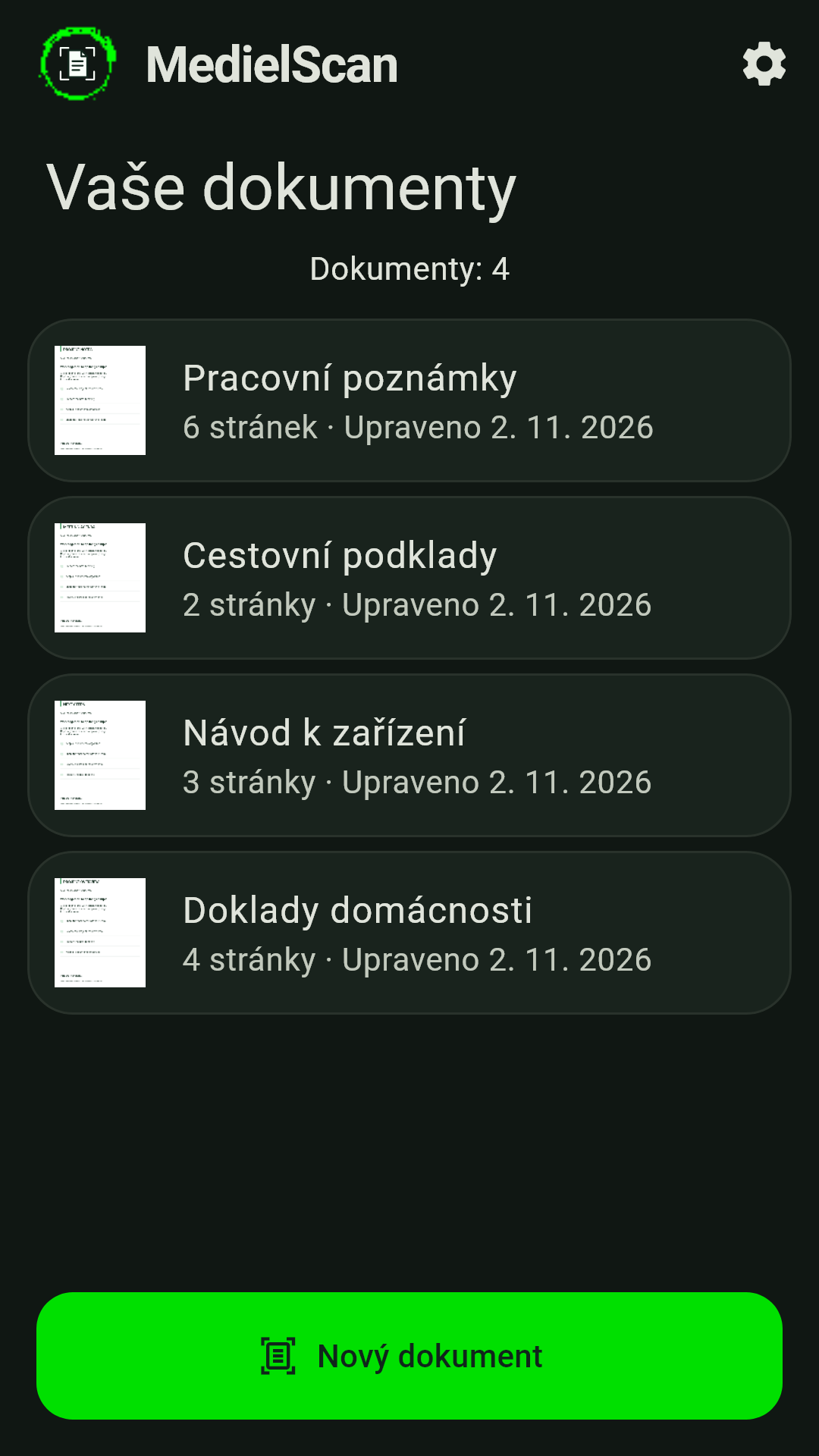
01 / Document overview · dark mode
03 / YOUR DATA. YOUR RULES.
Scanning, editing, organising documents and creating files happen on the device. At the office. On the train. Even without a signal.
Connect a Google account to back up documents, including source files for later editing. Choose Wi-Fi only and exclude individual pages if needed.
Online backup, ads and technical diagnostics use the internet. The free version contains ads; a one-time ad-removal purchase may be available.
Privacy policy ↗04 / BEFORE YOU PRESS THE SHUTTER
OCR and conversion to editable text are not part of the app. DOCX files contain images of the scanned pages.
Not for basic scanning and export. Connect a Google account only for optional Google Drive backup. Export and backup are separate steps.
No. Scan lab is an interactive illustration of the process. Actual scanning, editing and export are available in the Android app.
Write to erdt.martin@medielsoft.cz. Please don't send confidential scans to support.
READY WHEN YOU ARE.
ANDROID · CZ / EN / DE · BY MEDIELSOFT